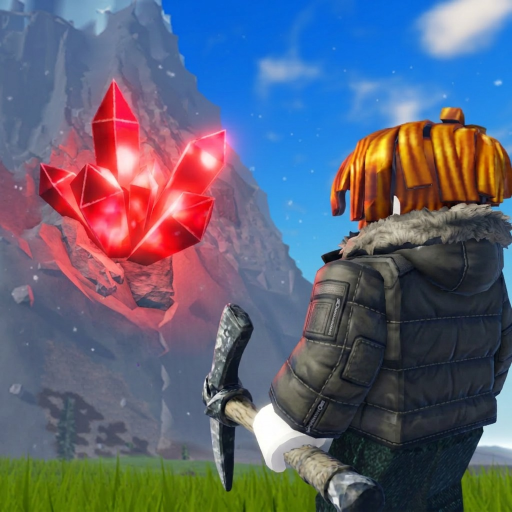
Crystals
Mine crystal deposits, then sell the haul for cash. A full backpack ends the collecting part of a run.
Open guide →A compact reference for the systems that actually change a mining run. Exact prices, timers, and drop rates are left out unless they can be verified.
Climb, mine crystals, watch backpack space and cold, return to sell, then spend cash on the upgrade that removes your current bottleneck. The official game page confirms the crystal-selling loop, the three upgrade tracks, cold near the summit, and hourly mountain changes.
Open the linked guide when you need a route or a spending decision, not another definition.
Mine crystal deposits, then sell the haul for cash. A full backpack ends the collecting part of a run.
Open guide →Improves the mining side of the loop and is also used on boulders tied to rune hunting.
Open guide →Controls how much you can carry before returning to sell. Upgrade it when capacity interrupts good routes.
Open guide →Cold becomes the main climbing constraint near the top. More warmth supports longer high-altitude runs.
Open guide →Player footage shows runes obtained from mined boulders and placed on the player plot for timed rewards.
Open guide →Player footage shows the radar highlighting boulders, reducing the time spent searching for rune sources.
Open guide →The official Roblox description says a new mountain arrives every hour, so routes can change between sessions.
Open guide →The official description advertises +1 Digging Luck for liking the game and joining the developer group.
Open guide →What crystals, cash, equipment, bombs, boulders, runes, and radar do.
How cold, selling, capacity, climbing, and the hourly rotation affect a route.
Choose upgrades and utility for short cash runs, summit attempts, or rune searches.