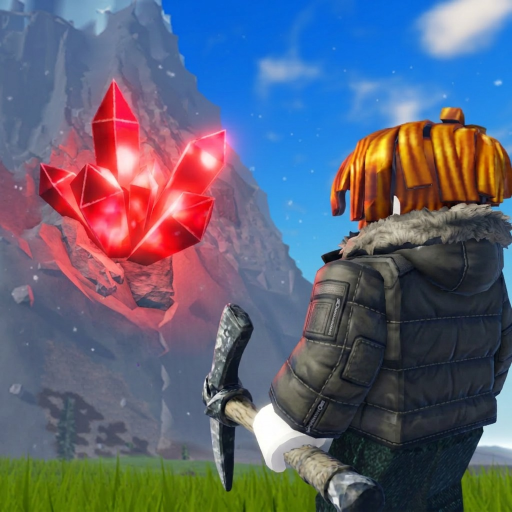
Clear capacity and equip the pickaxe
Sell first if the Backpack is nearly full. Equip the best available pickaxe before starting the radar window.
The Boulder Radar temporarily highlights boulders on the current mountain. Activate it, scan before digging, choose a short route through several markers, then use the required pickaxe on each boulder.
Use the Boulder Radar when you are ready to search immediately. The highlight window is limited, so identify several targets first and avoid spending the timer digging randomly.
Sell first if the Backpack is nearly full. Equip the best available pickaxe before starting the radar window.
After activation, look around the mountain for highlighted boulders and note a compact cluster rather than chasing the first distant marker.
Favor a path that reaches several targets without backtracking. The mountain changes hourly, so a saved route may not match the next rotation.
A highlight identifies the boulder but does not bypass its pickaxe requirement. Skip targets you cannot break and use the remaining timer elsewhere.
Rotate the camera and check vertical areas. If the mountain is already heavily cleared, preserve resources and try a fresh rotation.
Do not spend the whole radar window on one target. Move to a closer marker or improve Warmth/Pickaxe first.
Check the live shop and on-screen timer. This page does not publish a fixed price or duration because those volatile values were not creator-confirmed.
Checked 2026-08-26 against Kingkade's correct-game walkthrough, which visibly uses the Boulder Radar to highlight boulders and then mines the targets. SamikTOHA's separate rune guide independently confirms boulders as rune sources and the pickaxe interaction. Exact shop stock, price, duration, and drop rates remain live-game checks.